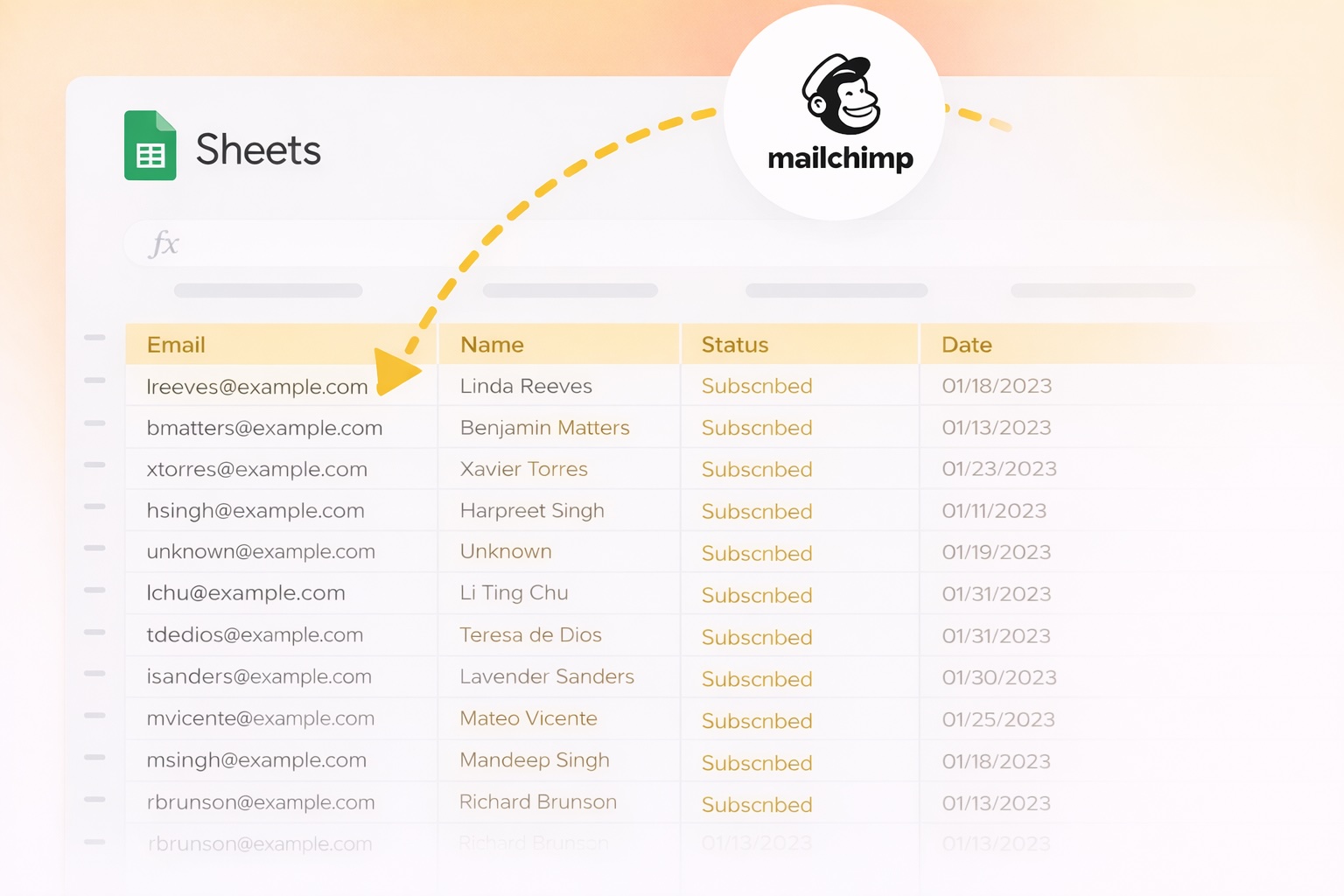
You update your sheet. Then you export a CSV, log into Mailchimp, import it, fix the column errors, and hope nothing duplicated. Every single time.
Save 4–6+ hours every month
Estimated at 3 syncs/week, 4 campaigns/month. Multiple audiences multiply the savings.
Three steps. That's it.
Install from Google Workspace Marketplace (30 seconds)
Sign in with Mailchimp via secure OAuth
Open your sheet and sync subscribers with one click
Pull Mailchimp campaign performance data directly into Google Sheets — no exports, no dashboards, no copy-paste.
Choose a date range, pick a sheet tab, and import your sent campaigns in one click. Opens, clicks, unsubscribes — all as rows you can sort, filter, and chart alongside your subscriber data.
| Subject | Sent | Opens | Open Rate | Clicks | Unsubs |
|---|---|---|---|---|---|
| May Newsletter 🌟 | 4,820 | 1,543 | 32.01% | 312 | 8 |
| Product Launch | 4,798 | 2,104 | 43.85% | 891 | 3 |
| Weekly Digest #21 | 4,811 | 1,287 | 26.75% | 178 | 12 |
| Flash Sale — 48h | 4,805 | 1,922 | 40.00% | 654 | 5 |
Scan your audience for suspicious email addresses and flag them directly in your spreadsheet — no third-party tools needed.
Spammers subscribe fake and disposable emails to mailing lists to abuse signup flows. Detect Spam scans every email in your sheet against known patterns — and highlights the suspicious ones in yellow so you can review and remove them.
| First Name | Status | |
|---|---|---|
| sarah@example.com | Sarah | |
| xkqwbrtf@mailinator.com | — | Disposable domain |
| james@company.io | James | |
| noreply@business.tk | — | Suspicious TLD |
| ztprxvbnm@guerrillamail.com | — | Disposable domain |
| maria@newsletter.com | Maria |
Each audience used to mean its own CSV cycle. Not anymore.
If you manage lists for multiple projects, clients, or segments, every audience is a separate export, import, and error-check cycle. Sheets2Mailchimp lets you select any of your Mailchimp audiences and sync directly from your sheet — no re-importing, no format juggling.
Santiago A.
Marketing freelancer
“Finally — no more CSV export/import chaos. I update subscribers in my sheet and sync in seconds. It feels like the workflow Mailchimp should have had all along.”
Matthew D.
Newsletter creator
“Setup was easy and the OAuth flow is clean. It’s the fastest way I’ve found to keep Mailchimp in sync with Sheets.”
Jennifer K.
Agency owner
"We manage multiple client lists in Sheets. This add-on saves us hours every week — no more manual exports or copy-paste. Our clients love how seamless it is."
Start free with 3 syncs/day. Upgrade when you need more.
Most users install Sheets2Mailchimp to create a live backup — and keep it running automatically.
Need help, have feedback, or want to share your success story? We'd love to hear from you!
Have an idea? We'd love to hear it!
Found an issue? Let us know!
Share how the Add-on helps your business
Questions about setup or usage